Nexa Beyond designs and develops its own microscope imaging software — for measurement, AI inspection and digital classrooms. Start from a ready platform, or let our team tailor it to your samples, your criteria and your production line.
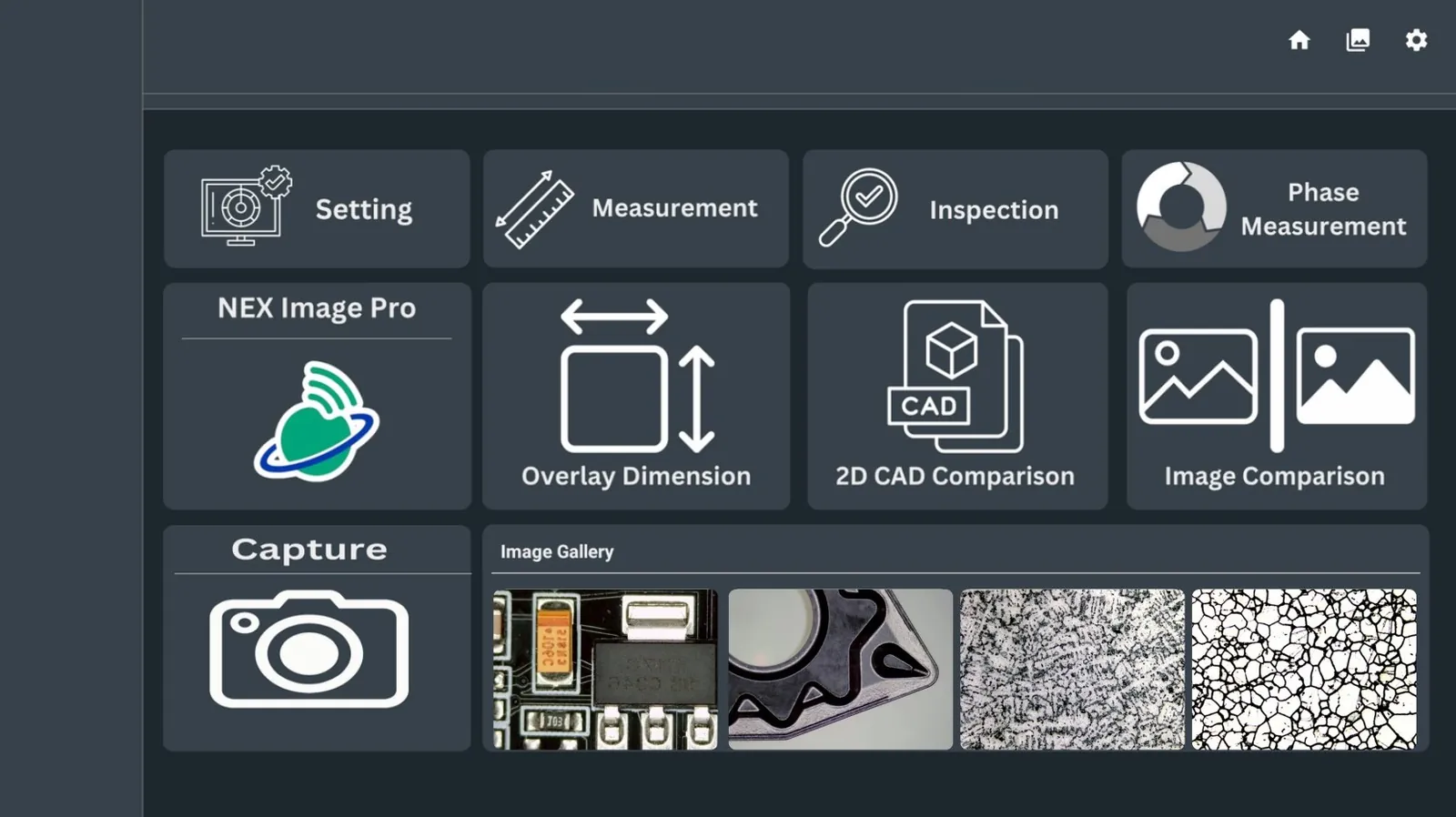
Capture, measure and verify — calibrated measurement, overlays, phase analysis and CAD comparison in one app.
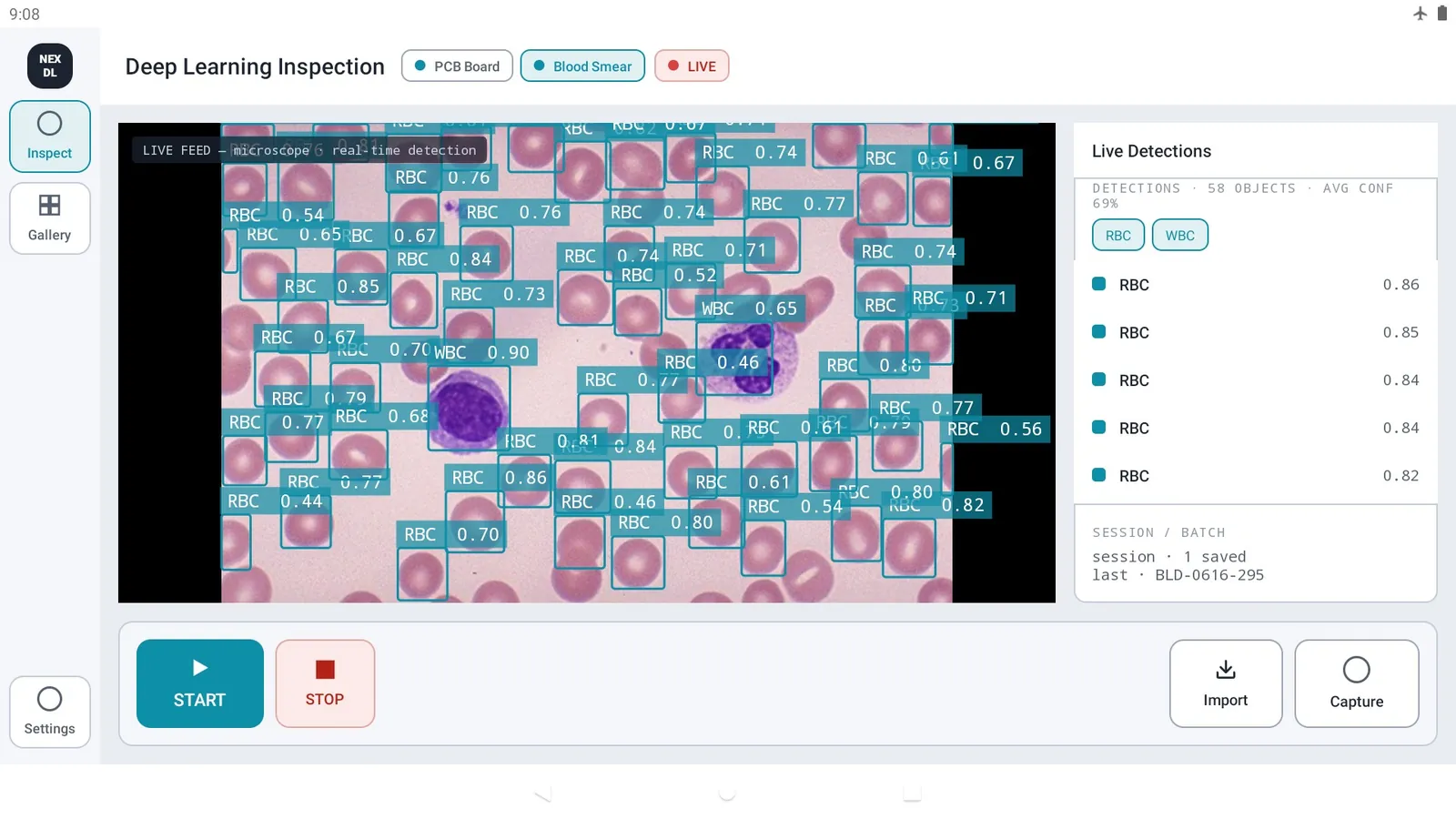
Real-time AI detection and counting on a live microscope feed — trained on your own samples, running on-device.
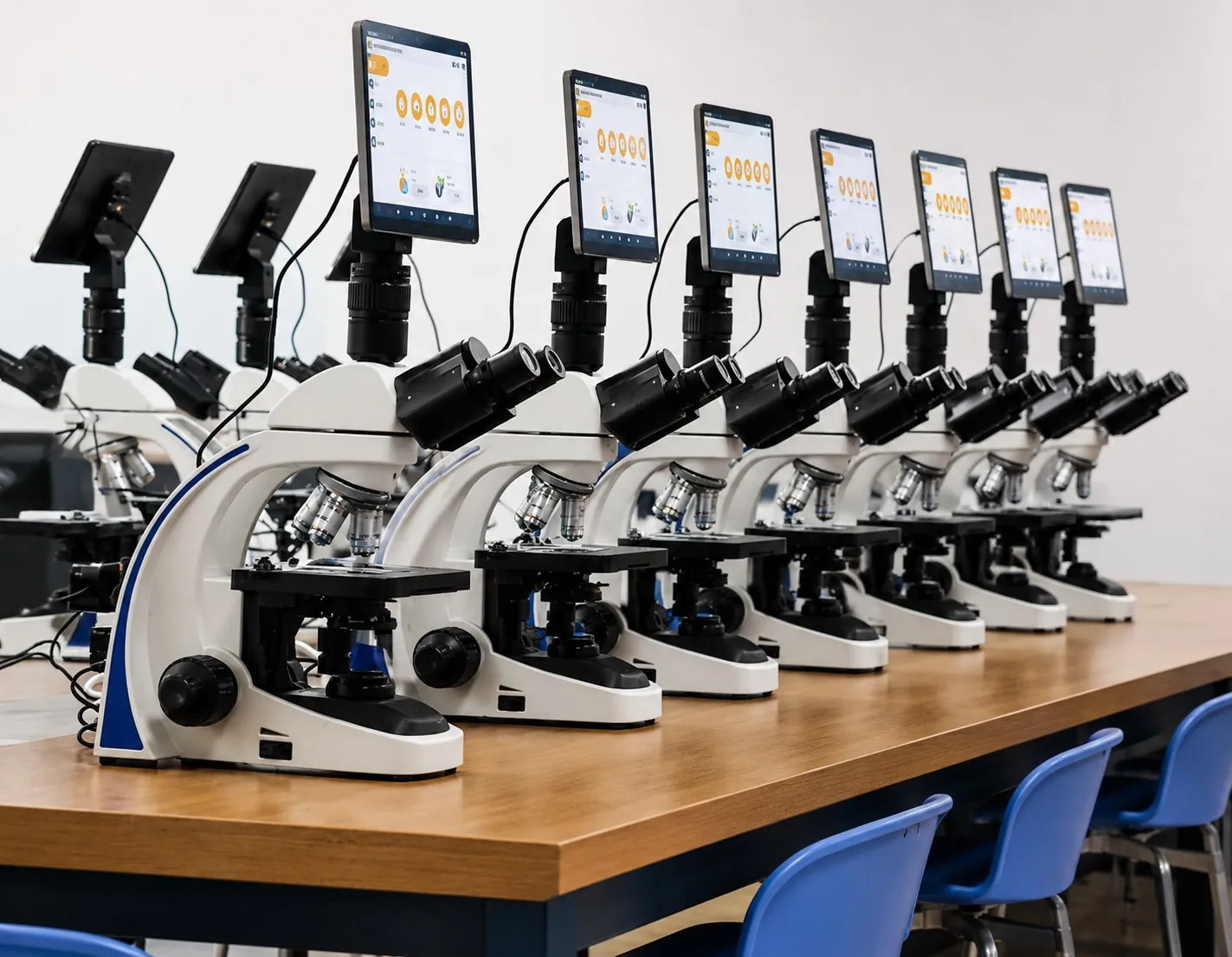
Every student's microscope live on one teacher dashboard — share any view with the whole class instantly.
See more than the eye can — AI-powered inspection in real time.
Bounding boxes and confidence scores on a live camera feed.
Count any object instantly — we train the model to your sample.
The trained model runs locally — no internet connection needed.
Adapt the model to your own sample type.
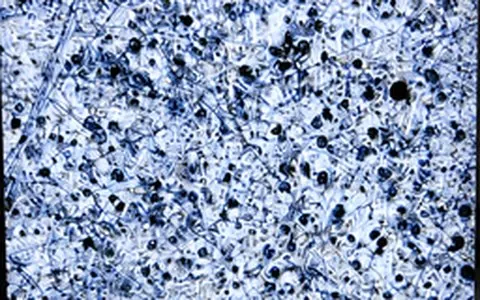
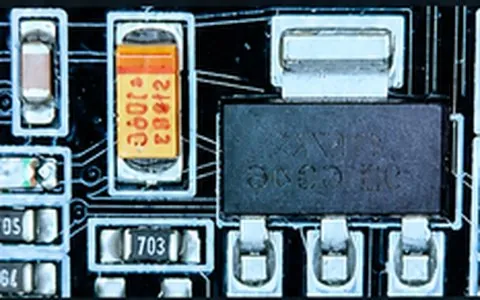
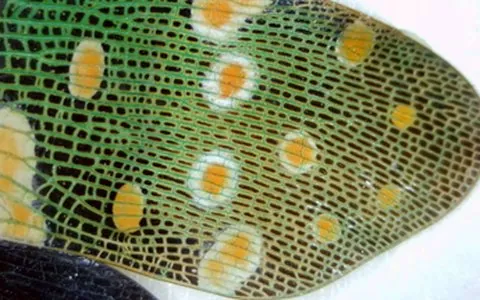
Connect every digital microscope in the room to one teacher dashboard. See what each student sees, and put any slide on the big screen in one tap.
Each student microscope streams its live image over the local network. The teacher sees them all — and can push any one view back to every screen.
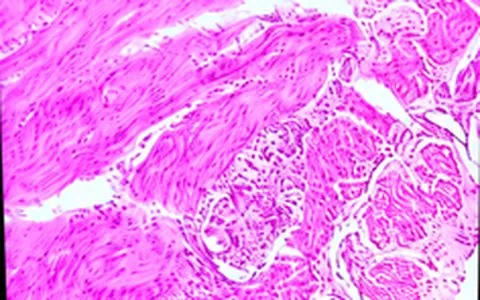
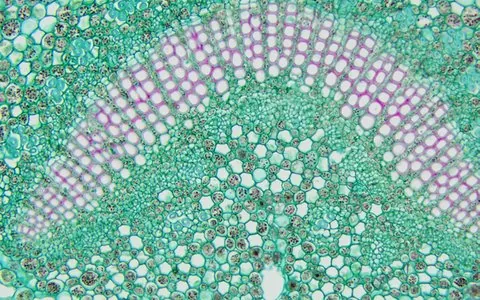
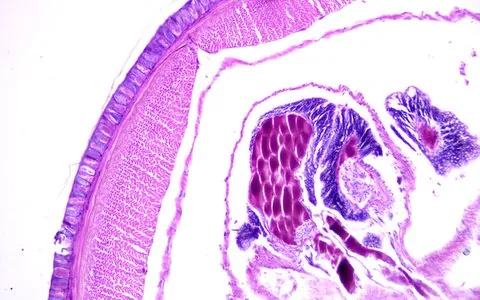
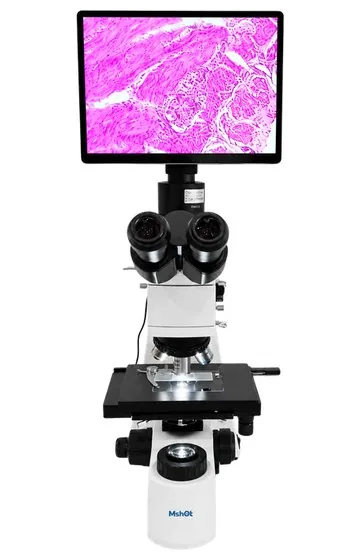 Student ABiological
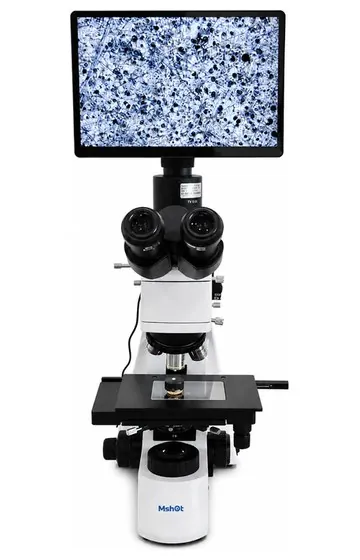 Student BMetallurgical
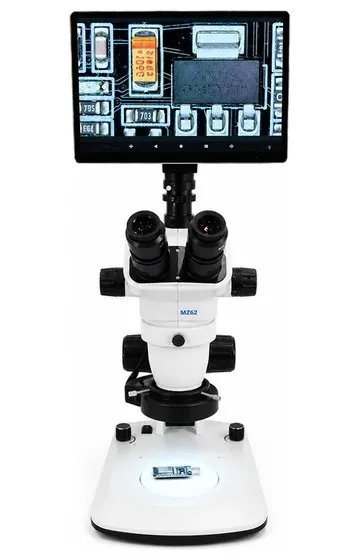 Student CStereo
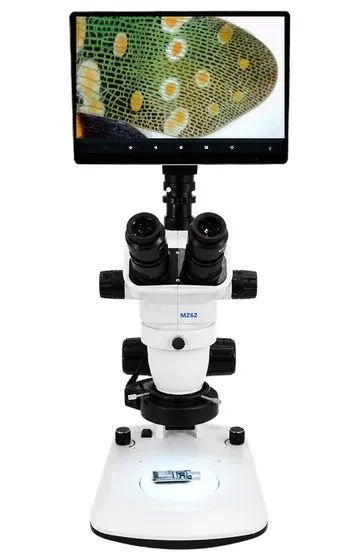 Student DStereo
Off-the-shelf microscope software rarely matches a real production line. Because we write our own code, we can build exactly the tools your lab or factory needs.
Dimensions, angles, areas and counts defined for your part — calibrated to real-world units.
Reference overlays and DXF drawings that give operators an instant pass / fail decision.
Detection and counting models trained on images of your own defects, particles or cells.
Screens and steps designed around how your team actually inspects — simple enough for the production floor.
On-device AI and local-network operation — your images stay inside your facility.
Delivered together with the right microscope and camera from our SOPTOP and MSHOT range.
Tell us what you inspect, what you measure and what a defect looks like. Send us sample images or parts.
We test the approach on your real samples, so you can see the result before committing.
We develop the tools and train the AI model on your sample type, refining it with your feedback.
Installation on your system, operator training and local support from our team in Thailand.
Defect detection, counting and dimensional checks against reference geometry.
Real-time AI detection on circuit boards and calibrated measurement of components.
DXF CAD overlay for part-to-drawing comparison and pass / fail decisions.
Phase measurement with auto / manual segmentation and a live histogram.
AI detection and counting of cells, such as red and white blood cells in smears.
NEX Classroom for schools, universities and government training labs.
NEX Image Solution, NEX Image Deep Learning and NEX Classroom are developed in-house by Nexa Beyond in Thailand, so we can customize them and support them locally.
Yes. NEX Image Flex is a fully customizable version tailored to your workflow — from measurement tools and pass / fail criteria to AI models trained on your own samples.
No. The trained model runs on-device, and NEX Classroom works over your local Wi-Fi or LAN, so no internet connection is required.
Yes. NEX Image Deep Learning counts and detects objects in real time, and we train the model to your sample type.
NEX Classroom supports 30+ microscopes in one classroom session, with tablets connecting automatically as they join.
Send us your sample images and requirements — we'll show you what's possible.
Discuss your project